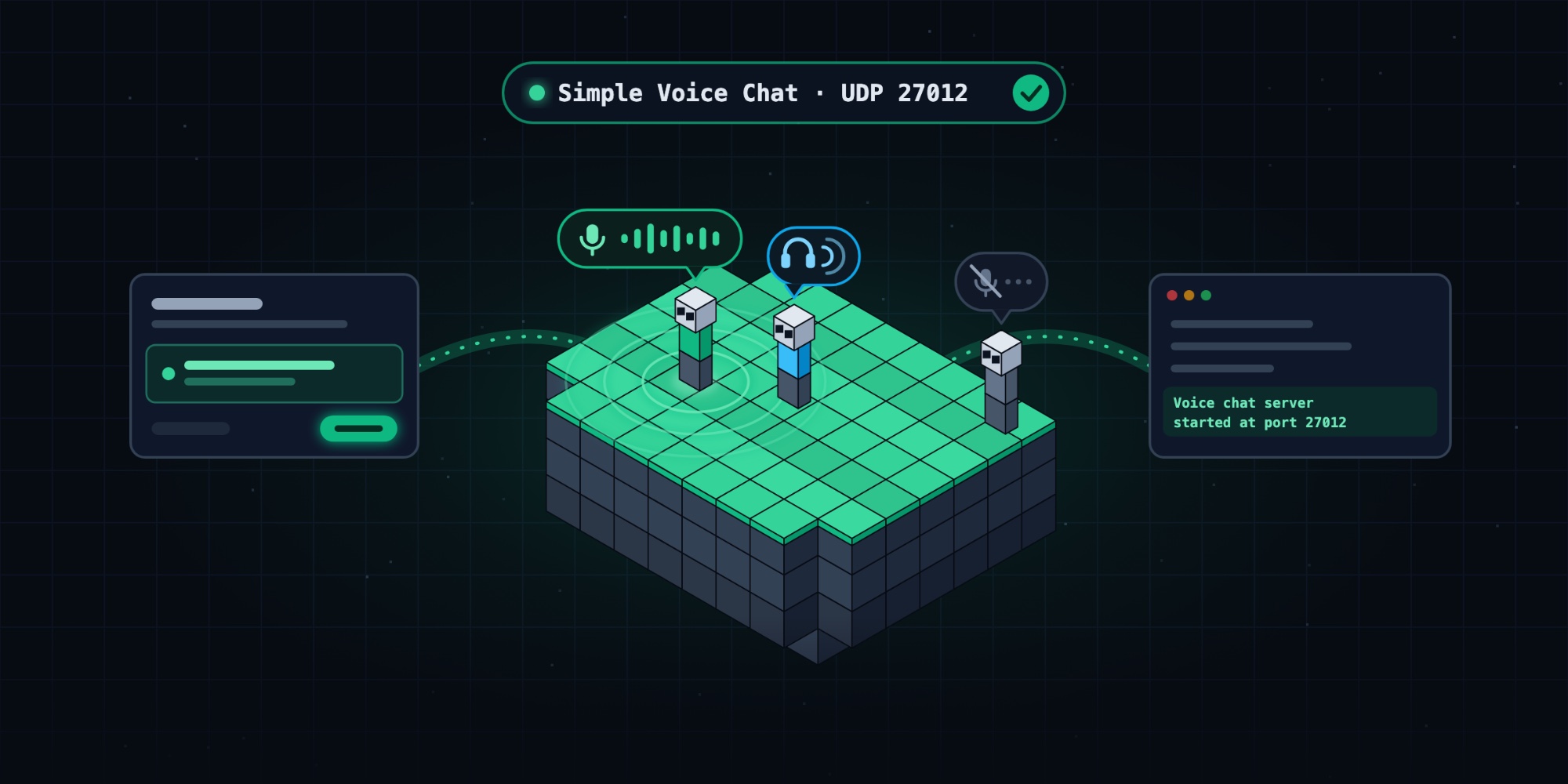
Proximity voice chat on your Minecraft server, in one click
Discord calls are fine until twenty people are in one channel and nobody knows who's talking. Proximity voice chat fixes that: you hear the players standing near you, louder the closer they are, and nothing from the other side of the map. Sneaking up on someone in a cave suddenly becomes a real thing.
Simple Voice Chat is the most popular way to do it, and it runs on both mod loaders and plugin servers. There's one catch that trips up almost everyone the first time: voice chat can't travel over the game's port. It needs a UDP port of its own. Install the mod, skip that step, and it fails quietly: the game works, nobody can hear anyone.
On Eytak, the panel takes care of that step for you.
Set it up in one click
- Install Simple Voice Chat. Open your server, go to Mods & Plugins, search for Simple Voice Chat and install it. Fabric, Forge, NeoForge and Quilt use the mod; Paper, Purpur and Spigot use the plugin. The panel picks the right one for your server.
- Start your server once, so the voice chat config gets created.
- Go to Settings → Extra ports. The panel spots the mod and tells you: "Simple Voice Chat needs its own UDP port to work."
- Click Set it up and confirm.
Eytak opens a UDP port for your server, writes it into the voice chat config (in the right place for mods or plugins) and restarts the server. Anyone playing is disconnected for a moment while it restarts.
Each player needs the mod too
Voice chat is two halves: the server part you just set up, and a client mod on every player's computer.
- Players install Simple Voice Chat for their own loader (Fabric, Forge, NeoForge or Quilt) from Modrinth or CurseForge, or get it with the rest of your modpack.
- When they join, Minecraft asks for microphone access. After that, V opens the voice chat menu and the default push-to-talk key is Caps Lock. You can switch to voice activation in the menu.
Bedrock players (phones, consoles) can play on the same server, but they can't use Simple Voice Chat: there's no Bedrock client for it.
Check that it works
- In the Console, look for a line like
Voice chat server started at port 27012, with your port. - In game, the voice chat icon at the bottom of the screen should not be crossed out. Ask a friend to stand next to you and say something.
If you'd rather do it by hand
- Go to Settings → Extra ports. Under What's it for? type
Simple Voice Chat, choose UDP and click Open a port. The server restarts and the new port appears in the list. - Open the config in the file manager:
- Mods:
config/voicechat/voicechat-server.properties - Plugins:
plugins/voicechat/voicechat-server.properties
- Mods:
- Set
port=to the port from step 1 and leavebind_address=empty. - Save and restart.
When something's off
- "Voice chat not connected" and you join through your own domain: set
voice_host=in the same file to the address shown next to the port in Extra ports (Copy address), then restart. - Don't reuse the Minecraft port or 24454 (Simple Voice Chat's default), unless the panel gave you that exact port.
- Another voice mod? The panel recognises Plasmo Voice the same way.
Talk to your friends, not your Discord channel
Install it, click Set it up, and the next time someone shouts "behind you!", it'll be the player who's actually behind you.
Still stuck? Write to us at eytak.com/contact.