Java and Bedrock on one Minecraft server, with your own Bedrock resource packs
Every group of friends has one: the person who plays Minecraft on a phone, a Switch or a PlayStation while everyone else is on Java. On most servers, they are the one left out.
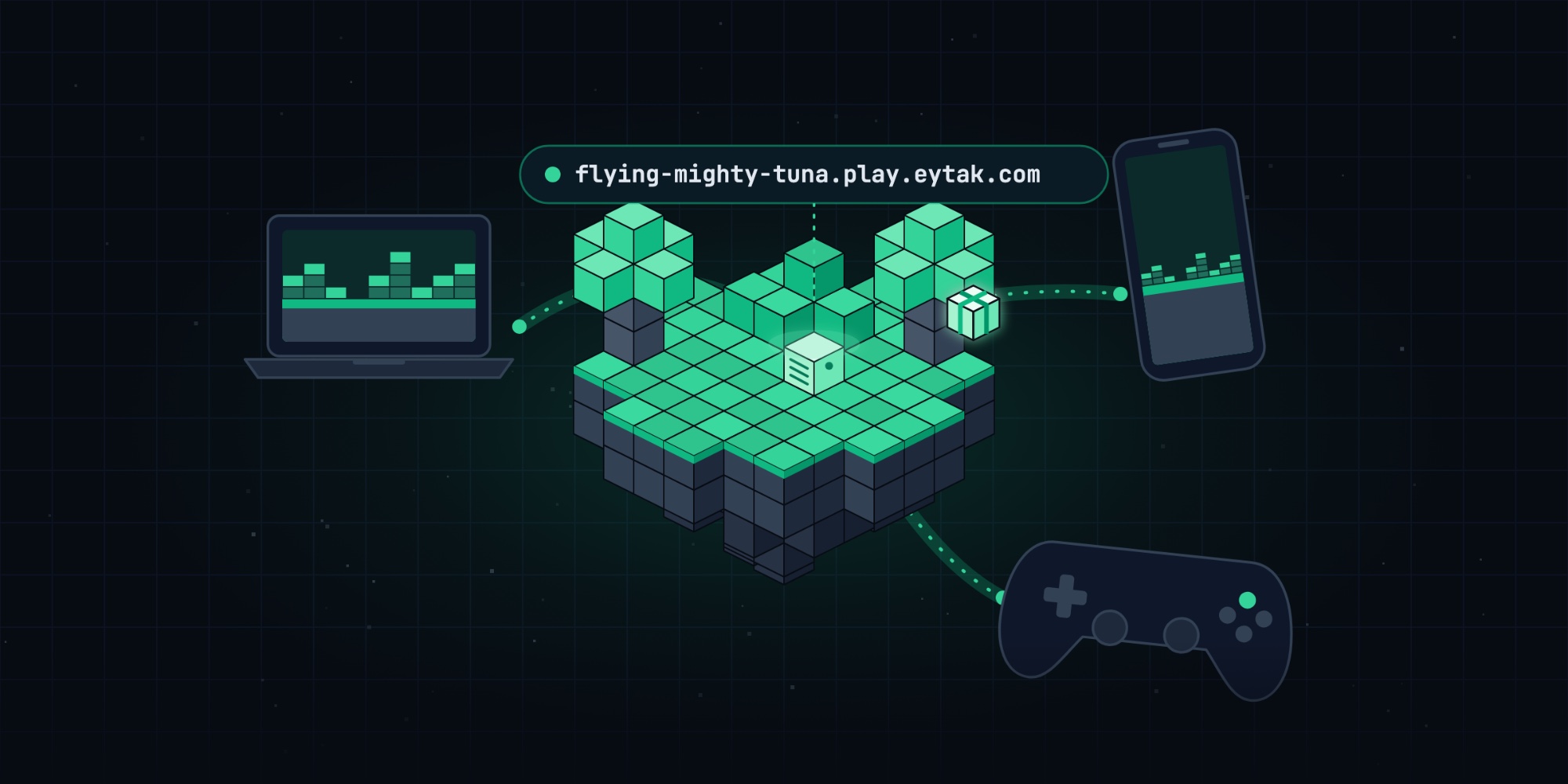
On Eytak, they aren't. Java and Bedrock players can join the same server at the same address. And as of this month, if your server uses a resource pack, your Bedrock players get it too, without any setup.
One address for everyone
Bedrock support is a switch on your server. Turn it on and we install two plugins for you: Floodgate, which lets Bedrock players sign in with the Xbox account they already use, and ViaVersion. The part that translates between the two editions, Geyser, runs on our side, so it doesn't use your server's memory and you never have to configure it.
Here is how each player joins:
- Java Edition: Multiplayer → Add Server, paste your server's address. No port needed.
- Windows, phone and tablet (Bedrock): Play → Servers → Add Server, enter the same address and leave the port at 19132.
- PlayStation and Xbox: consoles have no Add Server button. A phone app that shows a server as a LAN game gets them in: give the app your server's address, and keep the phone on the same Wi-Fi as the console.
Opening your server's address in a browser shows these steps for your server.
Consoles that just get in
The LAN trick has a catch. When a console joins this way, it doesn't tell us which server it wants. It only reports the phone's address on your home network, something like 192.168.1.47. On one evening this month, that meant 40 console logins turned away on a single node.
So we changed how we recognise them. When a Bedrock player joins your server once by its address, from a phone or a PC, we remember them. The next time they come in from a console with no address, we send them straight to the server they played on last.
Console players we haven't seen before get one question the first time: "Which server?" They type your server's three-word name (like flying mighty tuna) and they're in. We remember the answer, so they only see the question once.
Your resource packs, on Bedrock too
Until now, a server's resource pack only reached Java players. If you had built a sound pack or a texture pack for Bedrock, the only way to send it was to run your own Geyser on a second port with a second address, and get Floodgate and proxy settings exactly right.
Now you just put the pack in a folder:
- Upload your Bedrock pack (
.mcpackor.zip) to thebedrock-packs/folder of your server, with the file manager or SFTP. If your packs are already inplugins/Geyser-Spigot/packs/(where GeyserMC's own guide tells you to put them), that works too. - Restart your server.
That's it. The next time a Bedrock player joins, Minecraft downloads the pack before they spawn. It only downloads once: after that, the player's device keeps it.
A few details:
- Packs are required by default. Players get the experience you designed. If you'd rather make your packs optional, write to our support team and we'll switch it for your server.
- Limits: up to 8 packs per server, 100 MB per pack and 200 MB in total. A forced pack downloads before the player can play, and big sound packs on mobile data take a while.
- Resource packs only. Behavior packs and skin packs can't work through Geyser, and encrypted packs (like Marketplace content) can't be sent. We skip those files and keep the rest.
- Every pack is checked before it is sent. Your files reach a part of our system shared by many servers, so each one is validated first.
What you need
- Bedrock support switched on for your server.
- Paper, Purpur or Spigot.
- Minecraft 1.20.5 to 26.3.
- Bedrock players sign in with their Xbox account.
Try it with your friends
Turn on Bedrock support, send the address to the friend on the PlayStation, and drop your pack into bedrock-packs/. Everyone ends up on the same server, and everyone sees the same world.